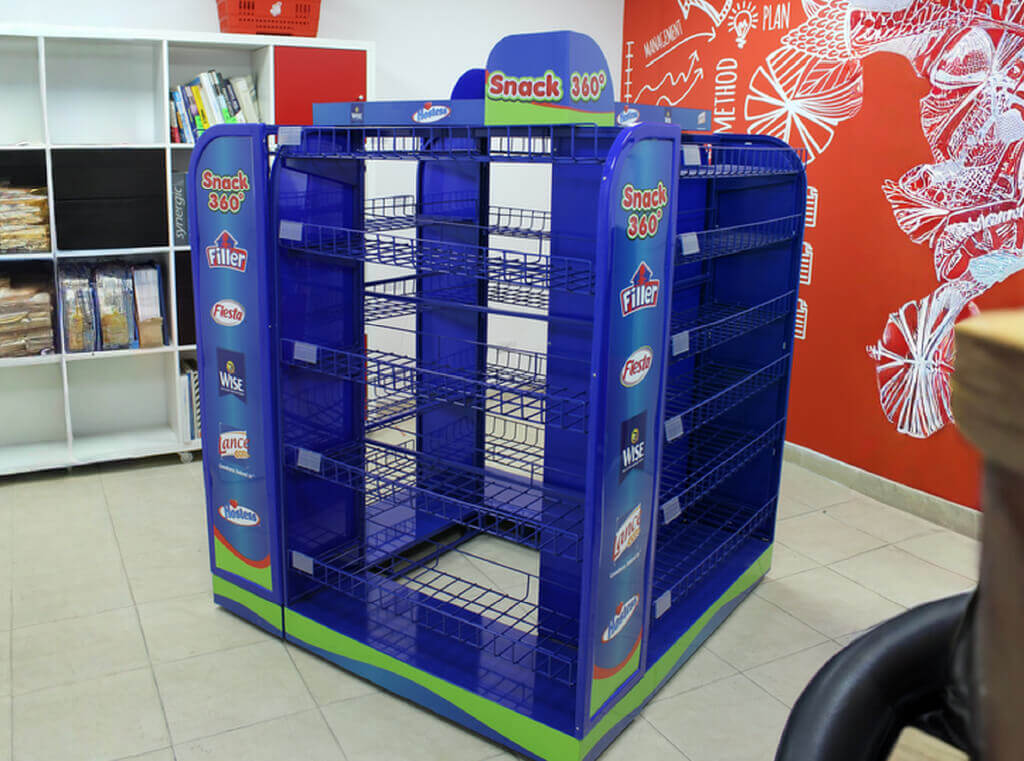
Retail POG best practices focus on strategic product placement, clear visual hierarchy, and alignment with consumer behavior to maximize POP display impact. When planograms are applied correctly to custom POP displays, they improve visibility, encourage impulse purchases, and ensure consistent brand presentation that drives higher sales performance.
A retail planogram (POG) is the visual blueprint that defines where every product sits on a shelf or display to maximize visibility and sales. Applied to custom point of purchase displays, strong planogram best practices improve product visibility, encourage impulse purchases and keep your brand presentation consistent across every store.
In retail, creating memorable and effective Point of Purchase displays is what turns shopper attention into revenue. Planogram strategy sits at the heart of that process, and when it is done well, your custom POP displays stop being furniture and start being sales tools.
Below you will find the practices we apply after more than 20 years designing POS solutions for FMCG brands across international markets.
What is a retail planogram and why does it matter
A planogram, often shortened to POG, is a detailed arrangement showing where products should be placed on shelves, racks or displays. It answers three questions before a single unit ships: what goes where, how many facings each SKU gets, and what the shopper sees first.
When you apply that logic to retail merchandising displays, the goal shifts. You are no longer optimizing a fixed gondola. You are designing an off shelf moment that has to interrupt a shopper who was walking somewhere else.
That is why custom displays need their own planogram thinking. A layout that works on a shelf rarely works on a floor stand, an endcap or a dump bin, because the viewing distance, the angle and the shopper’s mindset are completely different.
Custom Retail Display Manufacturers
Ready to boost in-store impact?
Let’s design a customized POP display that makes shoppers stop, look, and buy. From concept to production, we bring your brand to life at the point of sale.
Tell us your product, retail channel, and campaign timeline — we’ll recommend the best display format.
What you’ll get
- Display concept aligned with your brand
- Material & structure recommendations
- Production-ready plan and timeline
The role of custom POP displays in your planogram strategy
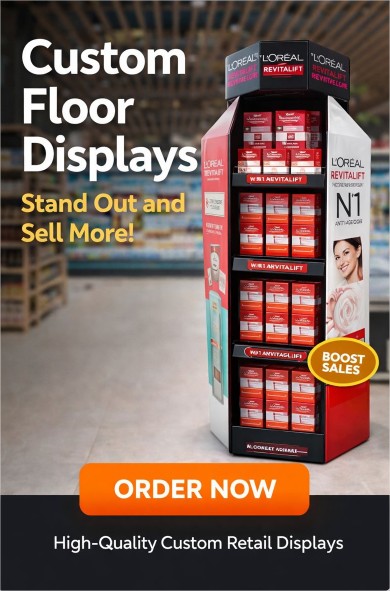
Custom POP displays are flexible by design and built around a brand’s specific identity and category. They range from freestanding floor units and endcaps to countertop displays and custom dump bins.
What separates them from standard shelf placement is attention. A well built display sits outside the visual noise of the category aisle, which is exactly why it converts.
For trade marketing and brand teams in fast moving consumer goods, understanding the psychology behind these displays is not optional. A strong display communicates the product benefit and the brand promise in under three seconds, which is roughly the time a shopper gives you before moving on.

Seven planogram best practices that lift display performance
1. Start with shopper behavior, not with the display
A large share of in store purchases are unplanned, driven by visual impact and placement. Before designing anything, define three things: how the shopper reaches the product, what they see at eye level, and what emotional cue you want to trigger.
Accessibility means products are within easy reach and the display never feels like a barrier. Visibility means your highest margin or highest rotation SKUs sit at eye level or near natural attention points such as entrances and checkout zones. Emotional appeal means color, shape and messaging that speak to your specific buyer.
2. Treat placement as part of the design
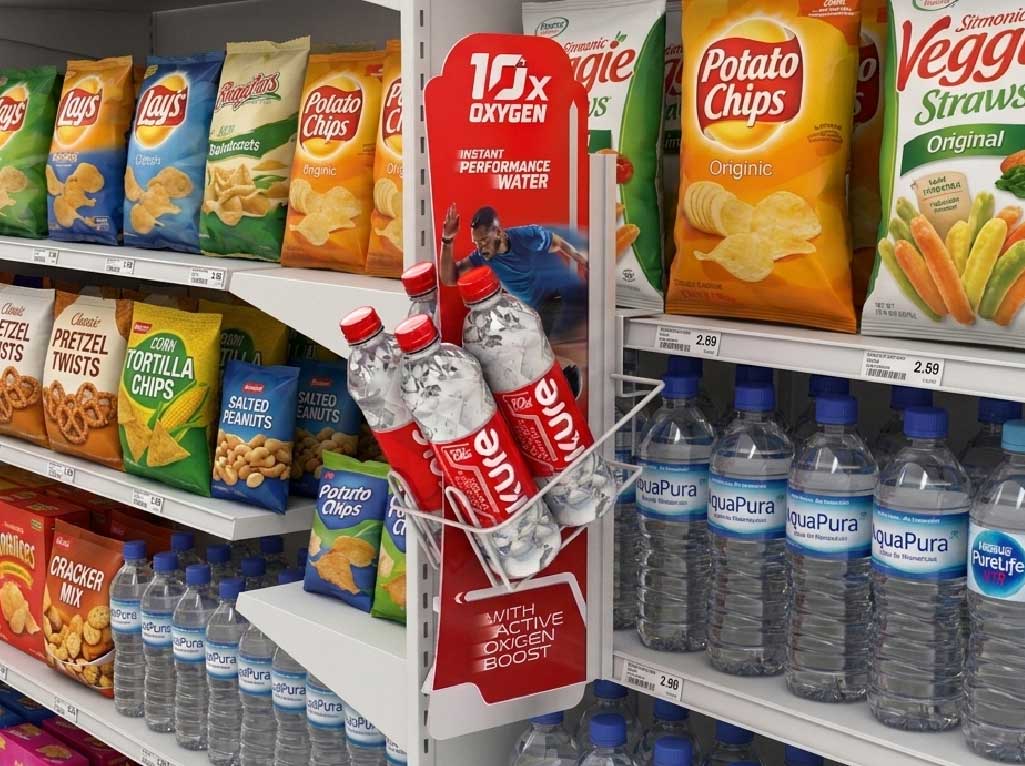
Location can double or destroy the performance of the same display. Endcaps are premium retail real estate and deserve your boldest execution, with large formats and clear category signaling.
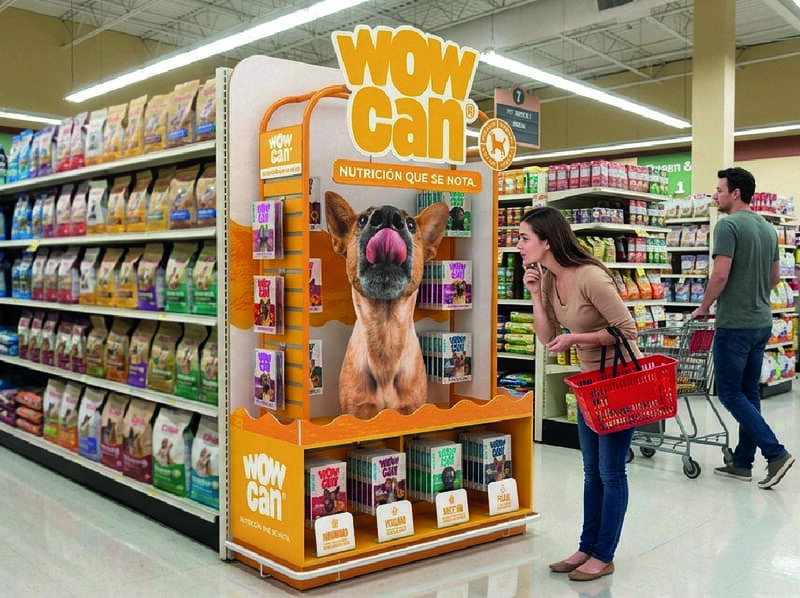
Adjacency matters just as much. Position your display next to complementary products so the basket grows naturally. A coffee machine display placed beside premium beans and filters will outperform the same unit dropped in a neutral aisle.
3. Build in interaction
Engagement drives recall. Modern custom floor displays can include digital screens, product demos, sampling zones or QR codes linked to a video, a recipe or an exclusive offer.
These features give the shopper a reason to stop, and stopping is the first conversion in retail. A scanned QR code that leads to a limited time promotion turns a passive glance into a measurable action.
4. Keep brand and store identity aligned
Your display must stand out without clashing with the retailer’s environment. Color palette, typography and tone should be a natural extension of your brand system while still cutting through the surrounding category.
Consistency across stores and countries is what builds recognition. When a shopper sees the same visual language in Bogotá, Miami and Madrid, trust compounds.
5. Simplify the message
Overloaded displays get ignored. One clear benefit, one strong visual and a clean product arrangement will always beat a wall of copy.
Ask yourself whether a shopper walking at normal pace can understand the offer without stopping. If the answer is no, remove elements until it is yes.
6. Design for change
Retail is seasonal, promotional and unpredictable. Your display should allow you to swap graphics, change SKUs or reconfigure levels without a full redesign.
Modular structures and interchangeable header panels protect your investment across launches, holidays and promotional cycles. This is also where smart in-store display ideas come from: modular concepts that can be adapted to different store formats, from hypermarkets to convenience.
7. Use planogram software to plan, validate and scale
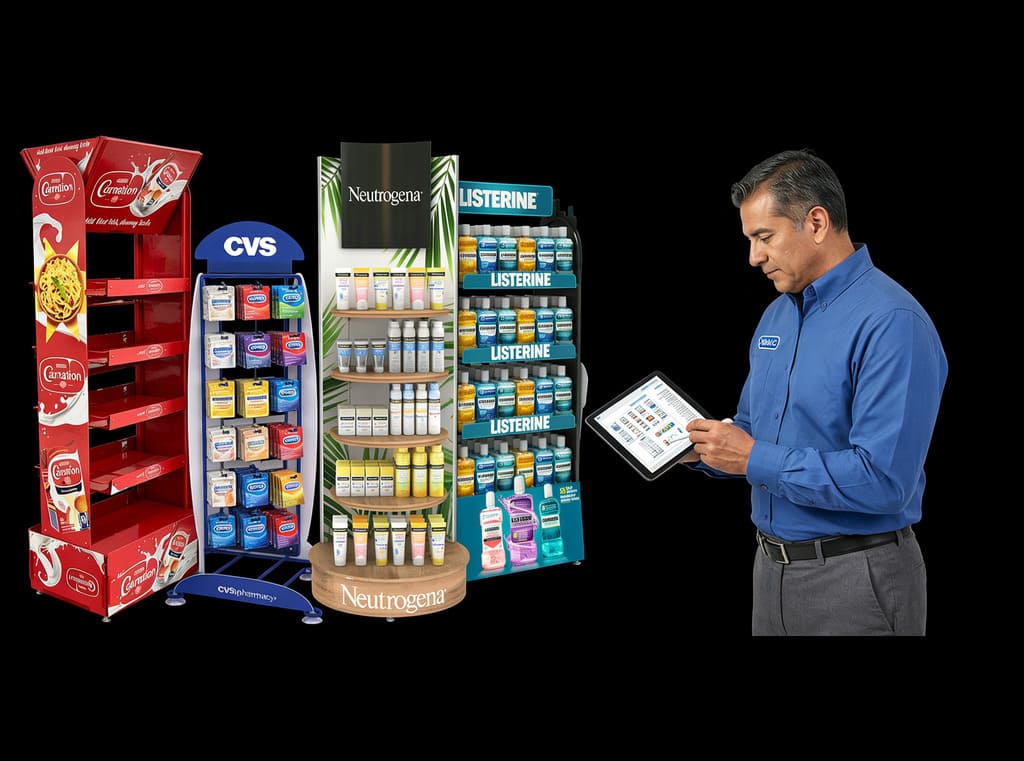
Modern planogram software such as Nielsen Spaceman, JDA Space Planning or Shelf Logic lets you simulate the display before producing it, test SKU arrangements, calculate facings and share a standard execution guide with field teams.
For multi country rollouts, this is the difference between a concept and a controlled execution. It also gives you a version history, so every store receives the same layout and every deviation is traceable.

LA BOULANGERE FLOOR DISPLAY

BRIANNAS FLOOR DISPLAY

BORGES FLOOR DISPLAY

Milo Floor Display

Fernleaf DUMP BIN DISPLAY

French Brioche Floor Display
How to measure whether your displays are working
Measurement closes the loop. Track sales lift versus a control store, rotation per facing, interaction rate on digital or QR elements, and compliance rate on execution.

Compliance is the metric most brands underestimate. A perfect planogram executed in 60 percent of stores will always lose to a good planogram executed in 95 percent.
Review results after each cycle and feed the findings back into your next design. That iteration loop is what separates brands that decorate stores from brands that own them.
Frequently asked questions
What is the difference between a planogram and a POP display?
A planogram is the layout plan. A POP display is the physical structure. The planogram tells you how to fill and arrange that structure for maximum impact.
How often should a retail planogram be updated?
Most FMCG categories review layouts quarterly, and always before a launch, a seasonal campaign or a category reset.
Do small brands need planogram software?
Not always. If you manage few SKUs and few stores, a well documented visual guide is enough. Software becomes essential once you scale across formats, regions or retail chains.
Turn your planogram into real in-store results
Strong planogram best practices only pay off when the physical display is built to match the plan. At Diforma Group we design, produce and deploy custom POS solutions for FMCG brands that need consistent visibility across every store and every market. If you are planning your next in store activation, let us review your display concept and show you where the sales opportunity is hiding.